Amar
Amazon.in1 Mar 2016
Fantastic Experience & I highly recommend for Lenovo K4 Note Users.
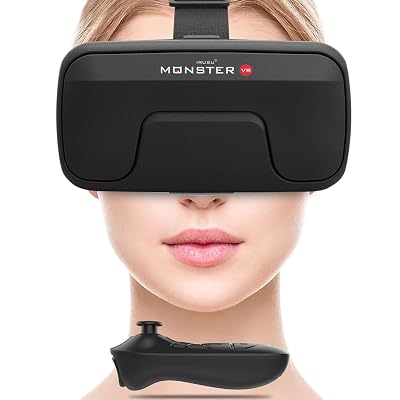
I bought this VR at Rs. 500/- with K4 Note Mobile and here is my complete review and some tips. Using it since 12 days and believe me it is really giving me a theater experience. Watched horror movies in default VR Mode in MX Player. Let me give you some tips for people who use MX Player for watching movies. When watching with VR you might see two screens 1 full screen and a 1 inch of 2nd screen towards right side. The solution to get rid of the 2nd screen is to change the screen view in MX Player i.e. Fit to Screen, Crop, Stretch and 100%. Check all the views and Fit to Screen will fix the problem. Many users might think it is the VR fault but it is not. Android Apps for VR. 1.Cineveo 2. Cmoar VR Cinema Pro These two apps give you 360 view and it gives you a feel that you are sitting in a cinema hall and watching. If you turn your head back you will see back seats and nobody is in the seat. Yes it is true! I have tried both the Apps and both are good. Cineveo is good as you can navigate with your finger touch to play movies. Cmoar VR Cinema Pro is also too good but navigation has to be done with your head. How to use these VR Apps. Do not turn on the VR Mode. Just open the VR App, select the movie clip and choose 360 view. That's it. Caution: Do not use VR for more than 3 hours continuously. Take a break in between like after the intermission. I have not seen any problem with VR till now. Trust me guys It is surely a worth even if you purchase at 1299/- Read more Read less